
I encountered an interesting and rather vague error message this evening within Outlook 2010. My Unread Mail search folder was shaded out and if I left clicked on it, it would produce a rather unhelpful message that “The operation had failed. Object could not be found”. Pretty vague eh. If you find this some thing yourself, here’s what I did to resolve the error and get my Search Folder back again.
I have Unread Mail as a Favourite so I deleted it.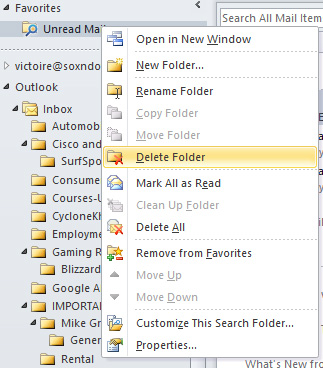
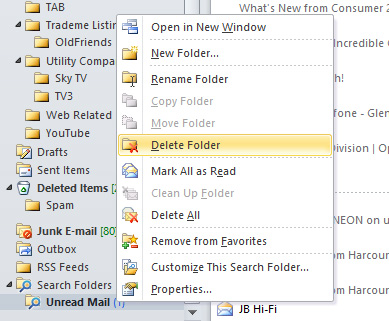
I also deleted the Search Folder
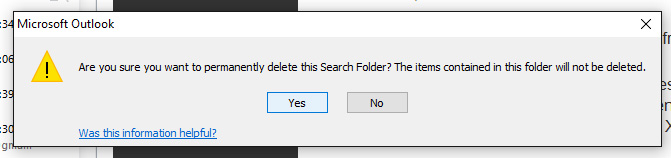
Confirmed the deletion
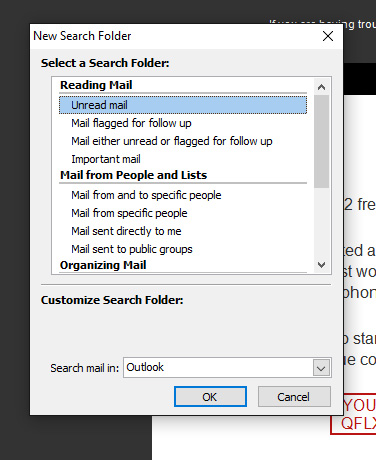
Created a New Search Folder
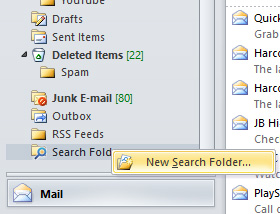
Selected Unread mail as a Search Folder
Placed it back into my Favourites, sent a test email and wala!

I just love obscure Windows messages 🙂 Hope this helps someone